Tools built in, not sold extra
Live map tracking, time clock, photos, job chat and your AI assistant come with every job. No add-ons to buy.
Tampa · Florida
Skilled local field technicians for low-voltage and structured cabling, fiber optics, access control, security cameras, IT and networking, AV, POS, telecom and more. See each technician’s skills, the tools they bring and their certifications before you choose. Then follow them live to your site and approve the work before you pay.
Low-voltage & fiber technician
Ybor City, FL · covers Tampa area
 ID verified
 Background checked · Sep 2026
 On time
Skills
Tools they bring
Certifications
Illustration of a real OnSiteO profile layout; not a real person. Skills, tools and certifications are listed by the technician. ID and background checks are done through OnSiteO.
Tampa
Tampa Bay mixes downtown and Westshore office towers, back-office operations for financial firms, a growing hospital network, MacDill Air Force Base and the defense contractors around it, and port cargo and cruise terminals along the Channel District. Tourism runs from Ybor City to the Clearwater beaches, while St. Petersburg, Brandon and Wesley Chapel are full of shops, restaurants and clinics that depend on storefront technology.
OnSiteO gives these businesses a clear way to hire local ID-verified technicians for security cameras, Wi-Fi and networking, and point-of-sale support. Explain the site, its access rules and the best time to work, pick the technician whose skills and tools fit, and follow the visit live. You see check-in, photos and sign-off, and pay only after approving. It suits busy owners who cannot stand behind a contractor all day but still want proof the job was done right.
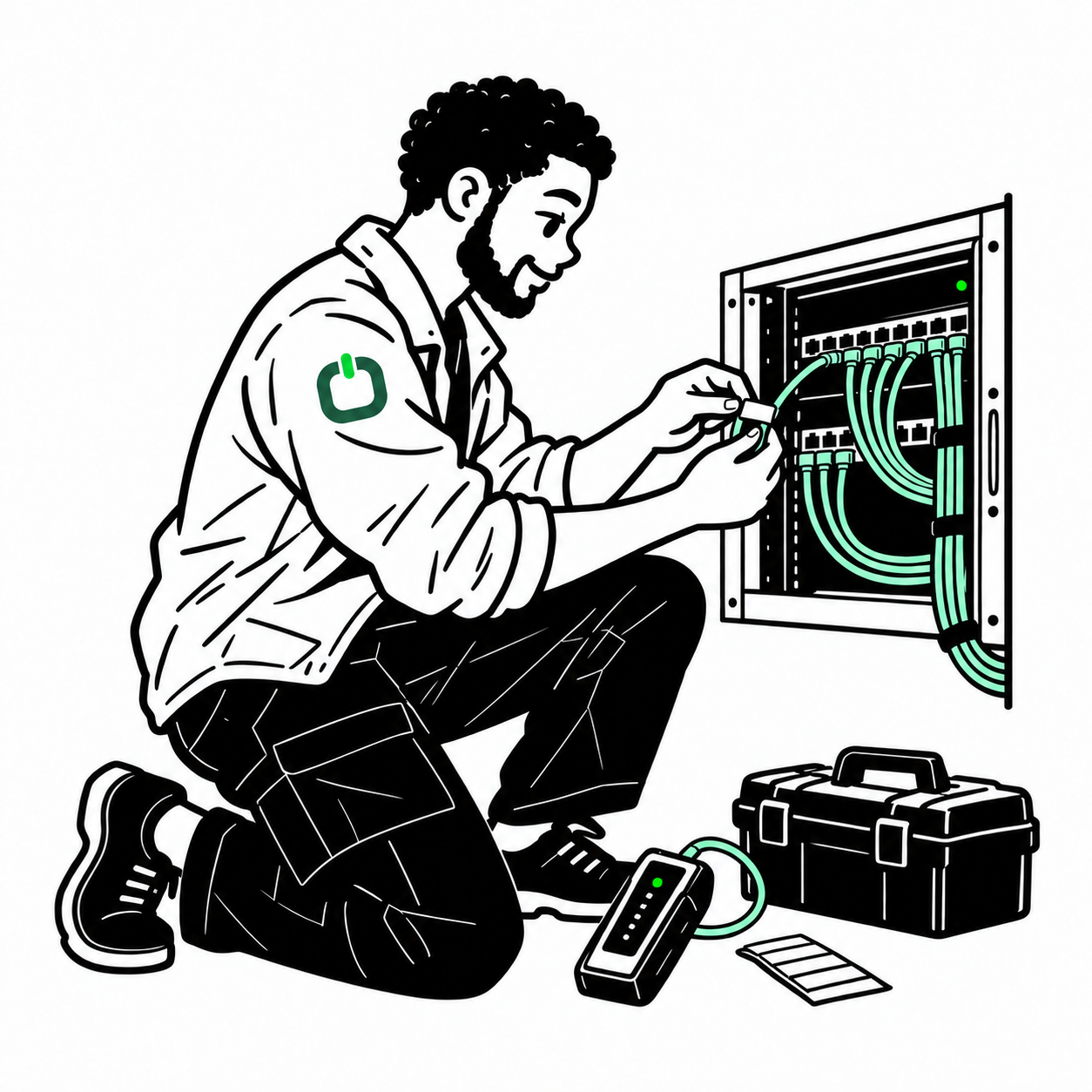


On-site service, on demand
OnSiteO brings Tampa businesses together with the skilled technicians who live and work around them. People who know the buildings, the streets and the trade, and who build their name one good job at a time.
Why OnSiteO
More tools on every job, simpler cost, and the freedom to work your way.
Live map tracking, time clock, photos, job chat and your AI assistant come with every job. No add-ons to buy.
No subscription and no paid plans. Every business gets every feature. You see your full price before you post, and pay per job after you approve.
One quick fix or a hundred sites. Let technicians bid or set your price. Keep a list of your favorite technicians and send them work first.
Technicians choose the area they cover, so the person who comes knows your part of Tampa.
Need someone now? Screened technicians near your site get the alert, the first to accept is on the way, and you follow them live. Like a ride app, for field work.
Use the OnSiteO assistant, your own AI through MCP, or our API.
Skilled hands, the right tools
Choose by trade. Each technician shows the work they do and the tools they bring, so the job gets done on the first visit.
Cameras mounted, aimed and powered, with views checked before they leave.

Access points, switches and the physical checks your remote engineer needs.
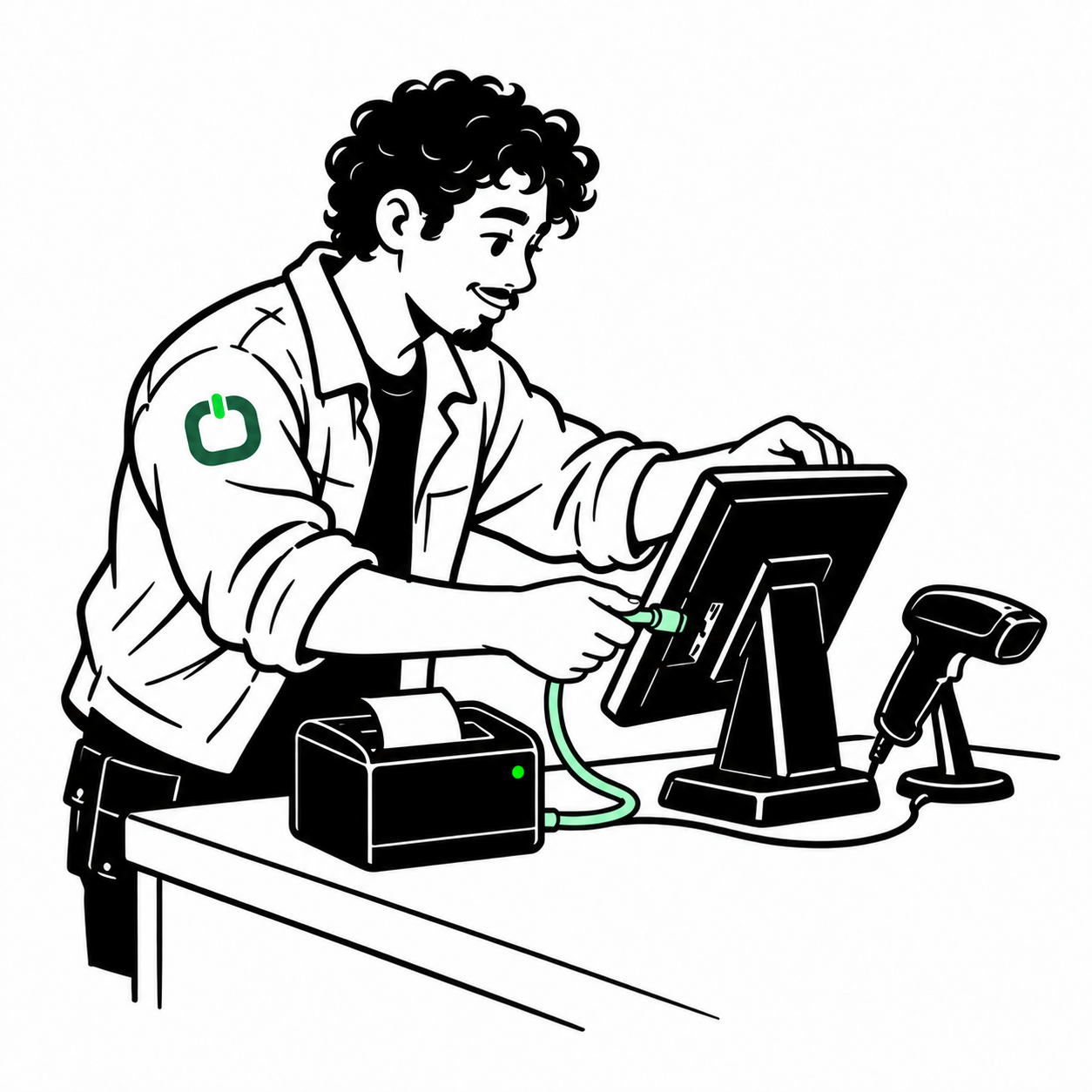
Terminals and peripherals installed around store hours, tested without customer data.
Structured cablingTypical kit: Cable certifier, Punch-down tool, Toner and probe Fiber-optic techniciansTypical kit: Light source and power meter, Fiber inspection scope, Cleaning kit
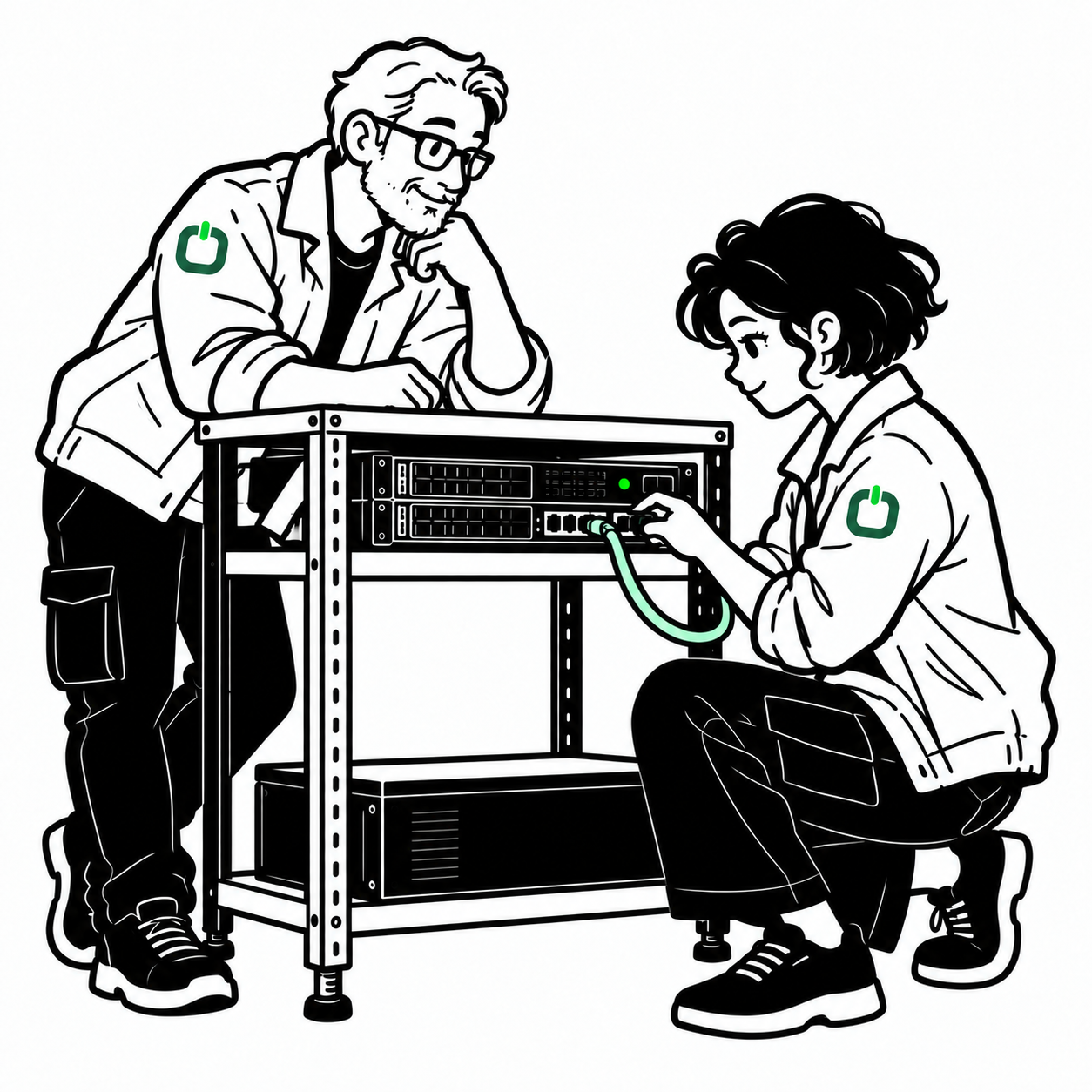 Servers & data-center handsTypical kit: Rack tools, Crash cart or console, ESD strap
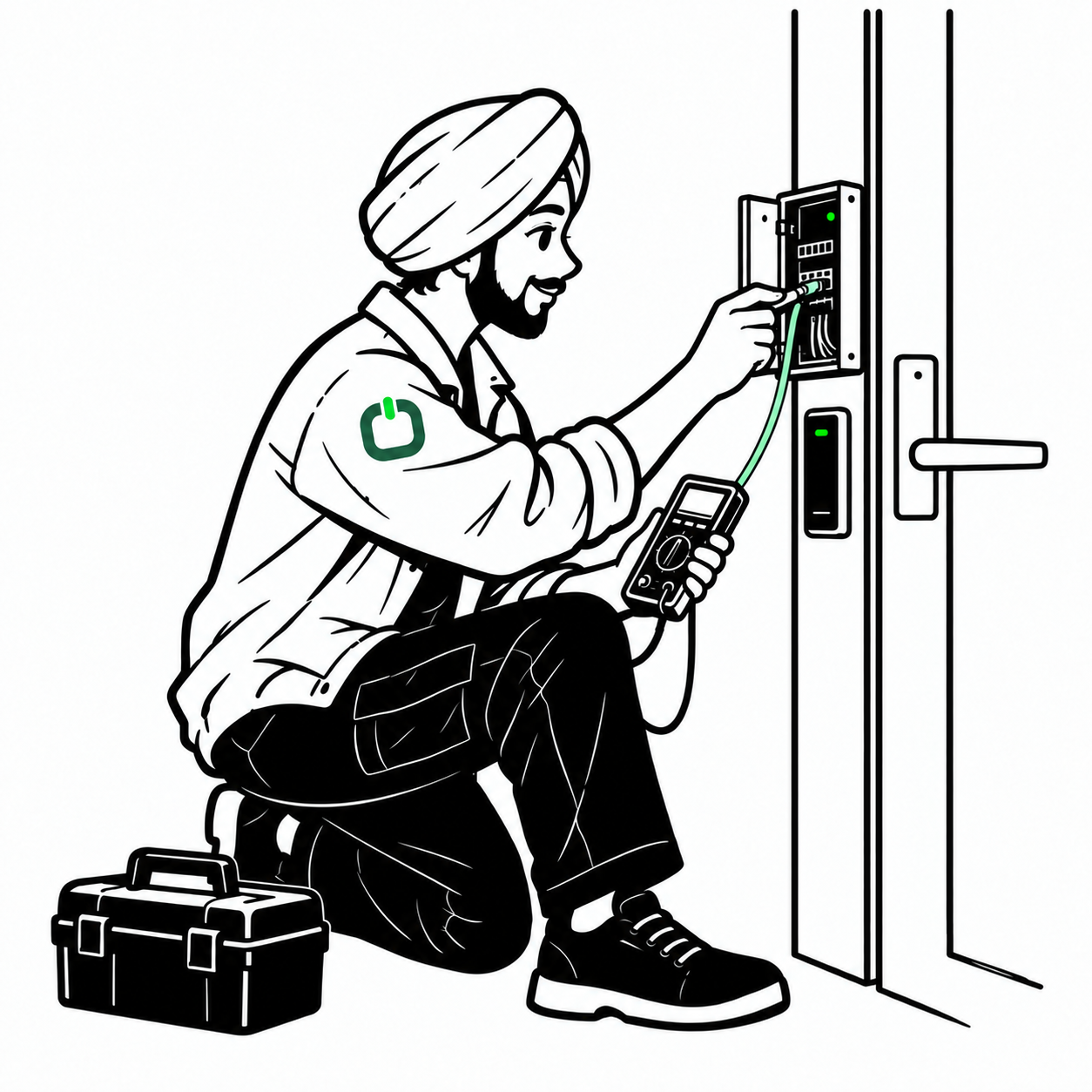 Access control & intrusionTypical kit: Multimeter, Reader programming laptop, Drill and door tools
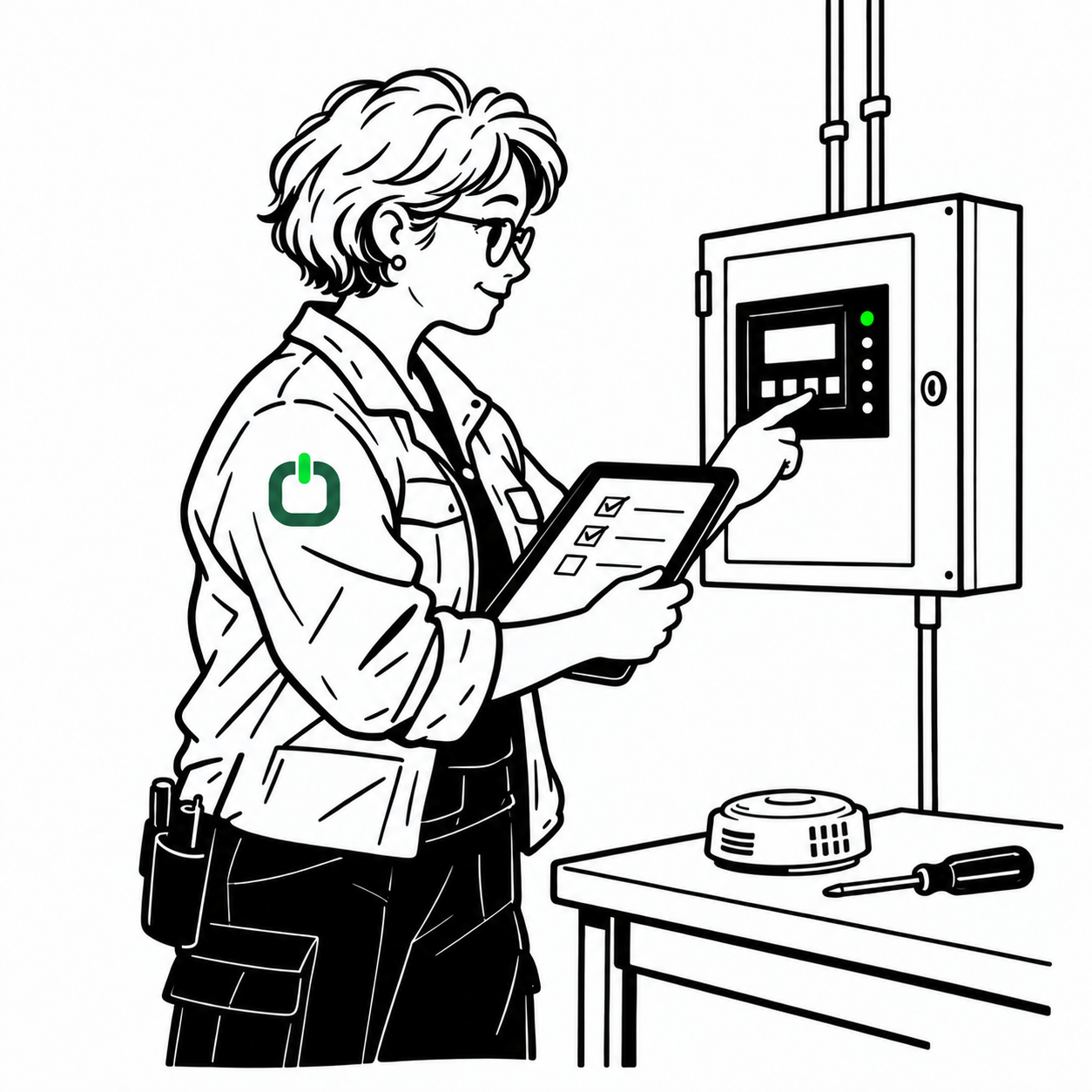 Fire alarm techniciansTypical kit: Multimeter, Device testing tools, Project documentation
 Desktop & printer supportTypical kit: Laptop and USB tools, Screwdriver and ESD kit, Spare cables
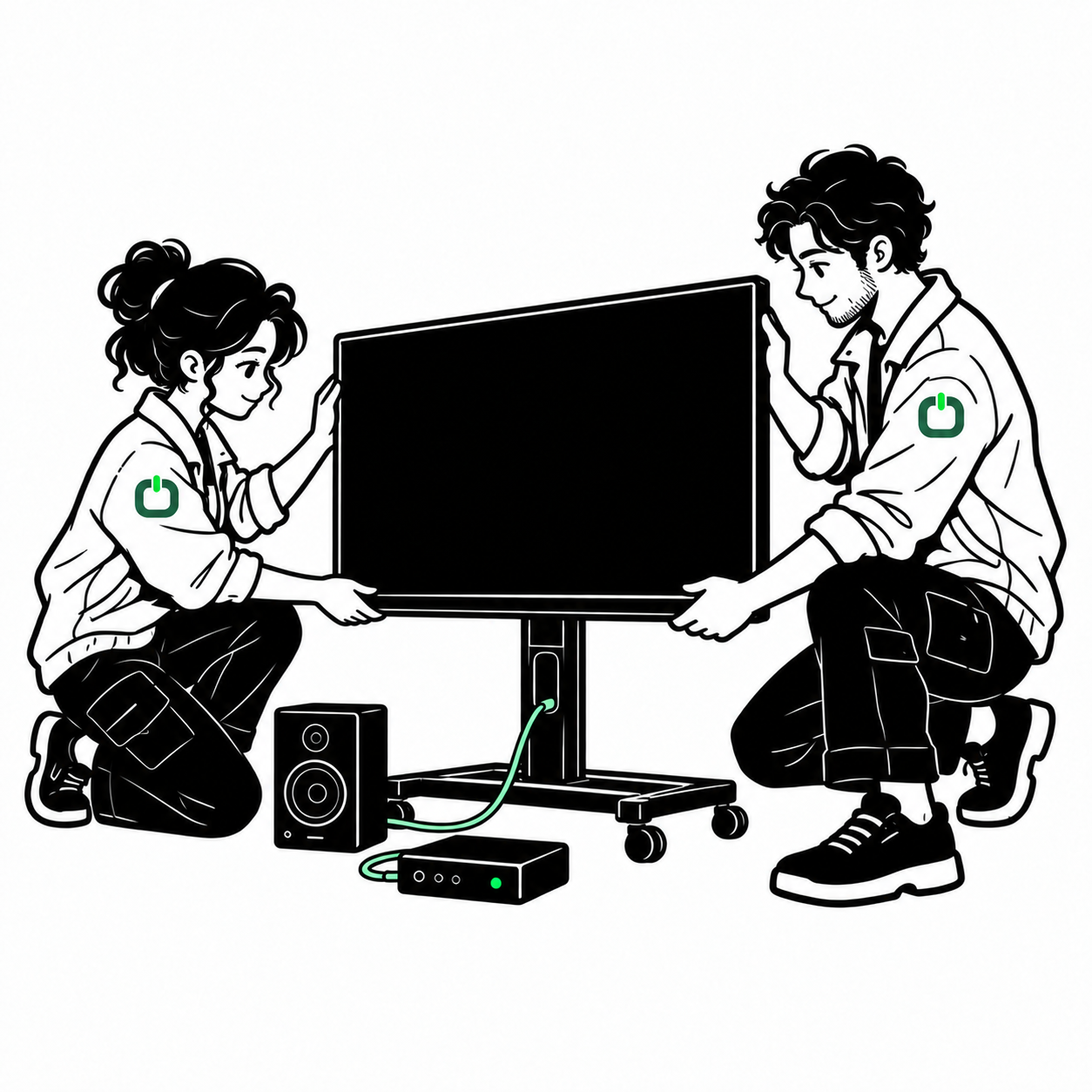 AV & digital signageTypical kit: Stud finder and level, Mounting hardware, HDMI tester
 TelecomTypical kit: Lineman’s test set, Toner and probe, Punch-down tool
 Kiosks, ATMs & lockersTypical kit: Screwdriver and ESD kit, Laptop, Manufacturer tools when authorized
Know who is coming
Get to know your technician before they arrive. Everything below is on their profile before you choose.
Low-voltage cabling, fiber, access control, cameras, networking and more. Each technician lists the work they do, so you pick the skills your job needs.
Cable certifiers, fiber scopes, PoE testers, ladders. Technicians list their equipment, so the right kit comes to your site the first time.
Shown on the profile with expiry dates. Need a licensed contractor? Require it in your job and check the number.
ID verifiedGovernment ID checked before their first job.Background checkedPassed a background check through OnSiteO. The date is on the badge. Jobs completedEarned at real job milestones on OnSiteO.
 Top ratedClients rate their work highly on average.On timeChecked in on time for most recent scheduled jobs.
 Worked with youHas already done a job for your company.
A badge appears on a profile only when the technician has earned it. Skills, tools and certifications are listed by the technician.
You stay in control
Built into every job: you see where your technician is, what they did and how long it took, before any money moves.
Access control readers, 2 doors
Illustration of the app’s job steps, not a real job.
Follow your technician on a live map with an arrival time. Tell your team, or your customer, exactly when.
One-tap check-in and clock-out at your site, so time on the job is recorded, not guessed.
Before and after photos, progress notes in the job chat, and a signed sheet when the work is done.
Payment is held until you approve the work. Something missing? Ask for rework first.
Run many jobs and sites at once. Group them into a project and watch them all in one place.
Let local technicians bid, or set your price and let the right person take it.
See what your technician sees, live, from the job.
Send a crew to one job and follow every technician on it.
Works with your AI
Post and follow Tampa jobs from the OnSiteO assistant, from your own AI, or straight from your systems.
Describe the work in plain words. The assistant drafts the job and answers questions about your work. Nothing is posted, awarded or paid without your OK.
Connect Claude, ChatGPT or another AI assistant that supports MCP, the open standard for AI connectors. Sign in once and work with OnSiteO from your own AI.
Create jobs and follow them from your ticketing system or your own tools with the OnSiteO API.
ClaudeChatGPTMCP connectorOAuth sign-inOnSiteO API
Offer for businesses
Create your business account and your first job each month comes with no OnSiteO fee. You pay the technician’s agreed price, and only after you approve the work.
For verified business accounts. Offer details are shown in your account before you post.
Technicians near your site
Technicians set the area they cover. Add your site’s ZIP code and the people who see your Tampa job are the ones who can get there.
For MSPs and IT teams
Cover a Tampa ticket without hiring for it. Pick a technician with the skills and tools the ticket needs, and get every visit back the same way: arrival, time on site, photos and sign-off.
Around Tampa
Not a call center sending whoever is free. Independent local professionals choose the neighborhoods they cover, so the person who comes to your site knows the area.
Sites we're built for
Industries common in the Tampa area, not a customer list.
Licensing in Florida
Florida licenses alarm and electrical work through the Electrical Contractors' Licensing Board (DBPR). An Alarm System Contractor I (EF) may do all types of alarm systems; an Alarm System Contractor II (EG) covers all alarm systems except fire. Specialty contractor licenses cover limited segments of electrical work. If your job needs a licensed contractor, say so in the job post and check the license with the state.
Florida DBPR: Electrical Contractors' Licensing Board ↗︎How it works for your business
Questions
The Howard Frankland, Gandy and Courtney Campbell bridges all slow down at rush hour, so give a realistic arrival window or ask for a mid-morning start. Include parking and check-in details for your building. You will see the technician check in as soon as they arrive on the Pinellas side.
Your organization needs to sponsor base access before the technician can get through the gate, so start that paperwork early. Include the access requirements and your contact in the job, and choose someone whose profile fits the work. Once onsite, you can follow progress live and approve before payment.
Post a job to raise equipment off the floor, add battery backup or move a rack to higher ground inside the building. Mention any past storm surge or flooding so the technician can plan. Before-and-after photos show exactly what changed, and you approve once you are satisfied.
Create a business account on OnSiteO and post the job with the site, the equipment and the time window. Local technicians bid or take it at your fixed price. You choose by their skills, tools and certifications, and follow them live once they tap “On my way”.
Each technician lists the work they do (for example low-voltage cabling, fiber, access control, cameras, networking or POS), the equipment they bring (such as cable certifiers, PoE testers and ladders) and their licenses and certifications with expiry dates. You see all of it on their profile before you award the job.
Jobs across Tampa, including Downtown Tampa, Westshore, Ybor City, Channel District, Carrollwood, Brandon. Put the ZIP code in your job so nearby technicians see it first.
Florida licenses alarm and electrical work through the Electrical Contractors' Licensing Board (DBPR). An Alarm System Contractor I (EF) may do all types of alarm systems; an Alarm System Contractor II (EG) covers all alarm systems except fire. Specialty contractor licenses cover limited segments of electrical work. If your job needs a licensed contractor, say so in the job post and check the license with the state.
Yes. Post break-fix visits, smart-hands tasks or a multi-site rollout as one project, add each site's access details and work window, and track every visit with check-in, photos and sign-off in one place.
It depends on who is available near your site. Set the time window when you post; technicians who can make it respond, and you see their live arrival estimate once they are on the way.
Create your business account and your first job each month comes with no OnSiteO fee. You pay the technician’s agreed price, and only after you approve the work. For verified business accounts. Offer details are shown in your account before you post.
After the work is done and you approve it. You review the check-in, photos and sign-off first. Pricing is shown in your account before you post.
Every technician verifies their ID before they can work a job. Technicians can also complete a background check through OnSiteO; when they do, their profile shows the badge and the date, so you can choose them for your job.
Yes. Send your next job straight to a technician you liked, or keep a list of your preferred technicians and offer them your work first.
OnSiteO across the US
One site or sites in many cities: OnSiteO is built to bring local technicians to your locations across the 100 largest US metro areas.
Ready when you are
Connect with skilled local technicians on OnSiteO. Choose by skills and tools, follow them live to your door, and pay only after you approve the work.
Page reviewed October 14, 2026.